

Activating PADS4 with a Product Key
To activate your PADS4 product, follow the steps below using the provided PADS4 Product Key.Step 1: Open PADS4 CTRL Center
- After installing PADS4, browse to the PADS4 Web Portal.
- Login with the su\root user.
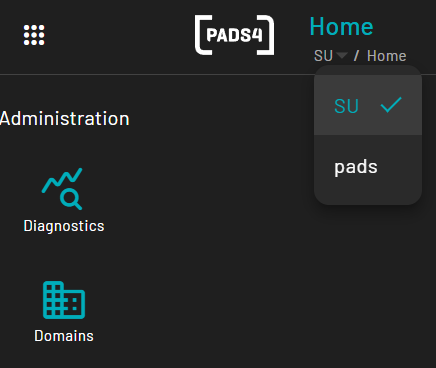
- At the top of the screen choose the “pads” domain.
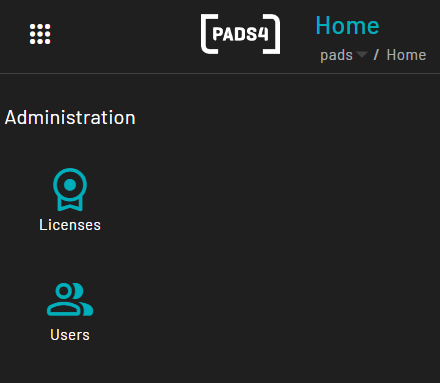
- Now on the left hand menu, “Licenses” will appear.
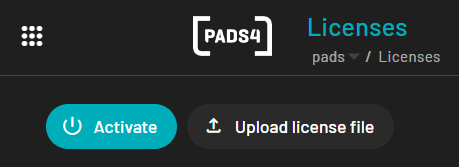
- Click on licenses and press “Activate”
- If an internet connection is unavailable, an offline activation method will be displayed.
- Follow the instructions provided on-screen.
- After receiving the License File, click “Upload License File” and select the file.
- Complete the activation process by following the wizard.