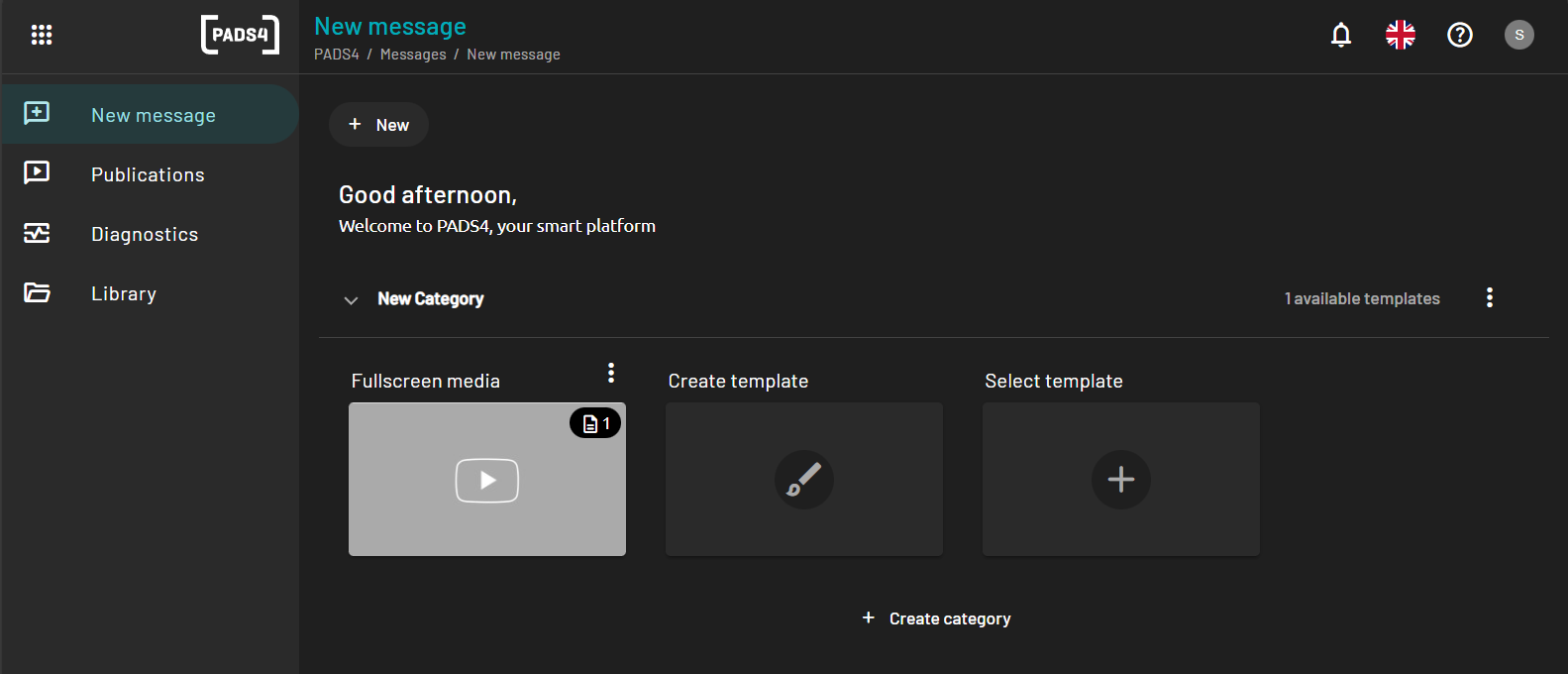
Create a New Category
To create a new category:- Navigate to the New message section in the main navigation menu.
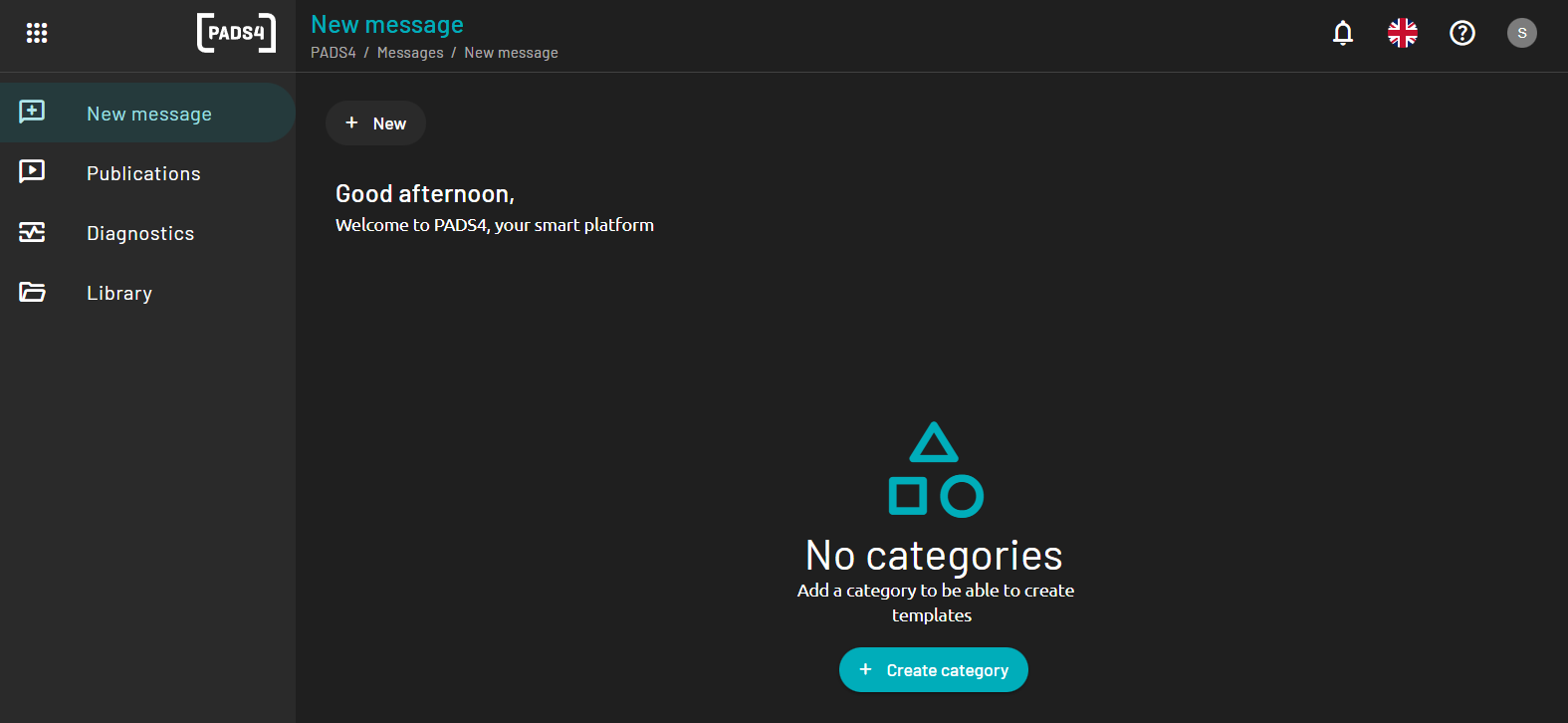
- Click the Create a new category button.
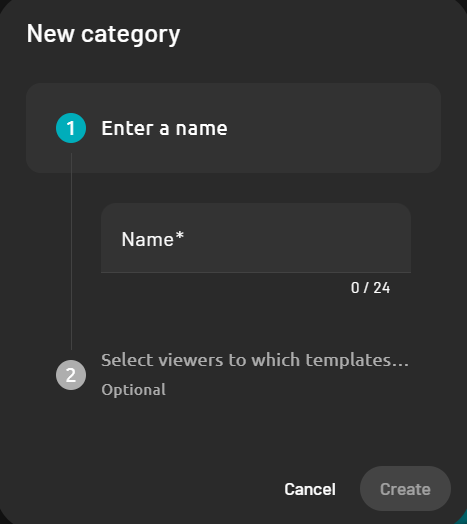
- In the form that appears, enter the following details:
- Category Name: The name that will be used to identify this category.
- Description (optional): A short explanation of what this category is for.
- Select the viewer which this template will be allowed to be used with.
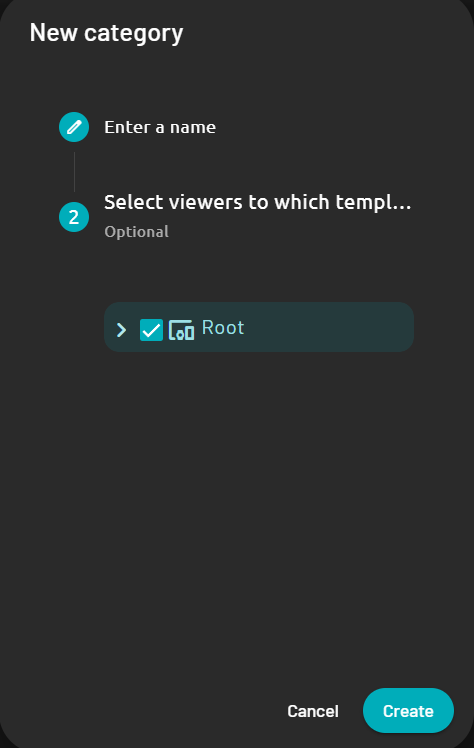
- Click Create to create the category.