

Interface Overview
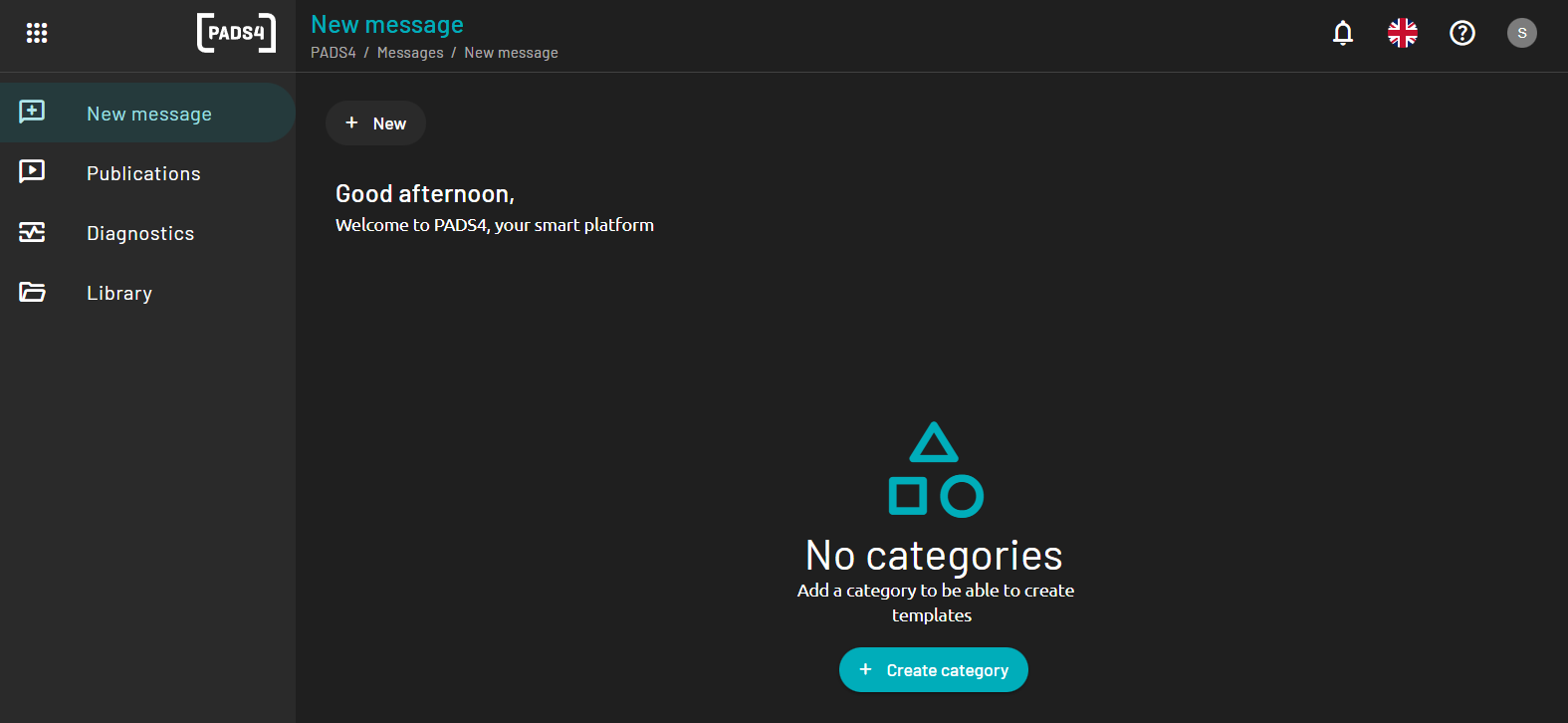
The CMS home page is organized into a clean and user-friendly layout, designed to make content creation and management intuitive. The interface is divided into several functional sections:Header Bar
Located at the top of the screen, this area provides access to:- Navigation buttons
- Account settings
- Language selection
- Logout option
Navigation Menu
Found on the left-hand side, this menu includes:- New message: For creating and editing reusable designs / templates
- Publications: For reviewing and modifying published content
- Diagnostics: For viewer diagnostics
- Library: For managing images and media files